IT infrastructure
Servers, storage, networks, edge computing and the platform foundation required to run the environment.
 Discuss a requirement
Connected technology environment
Integration connects telematics, vision, software and IT infrastructure around the tracking or traceability outcome.
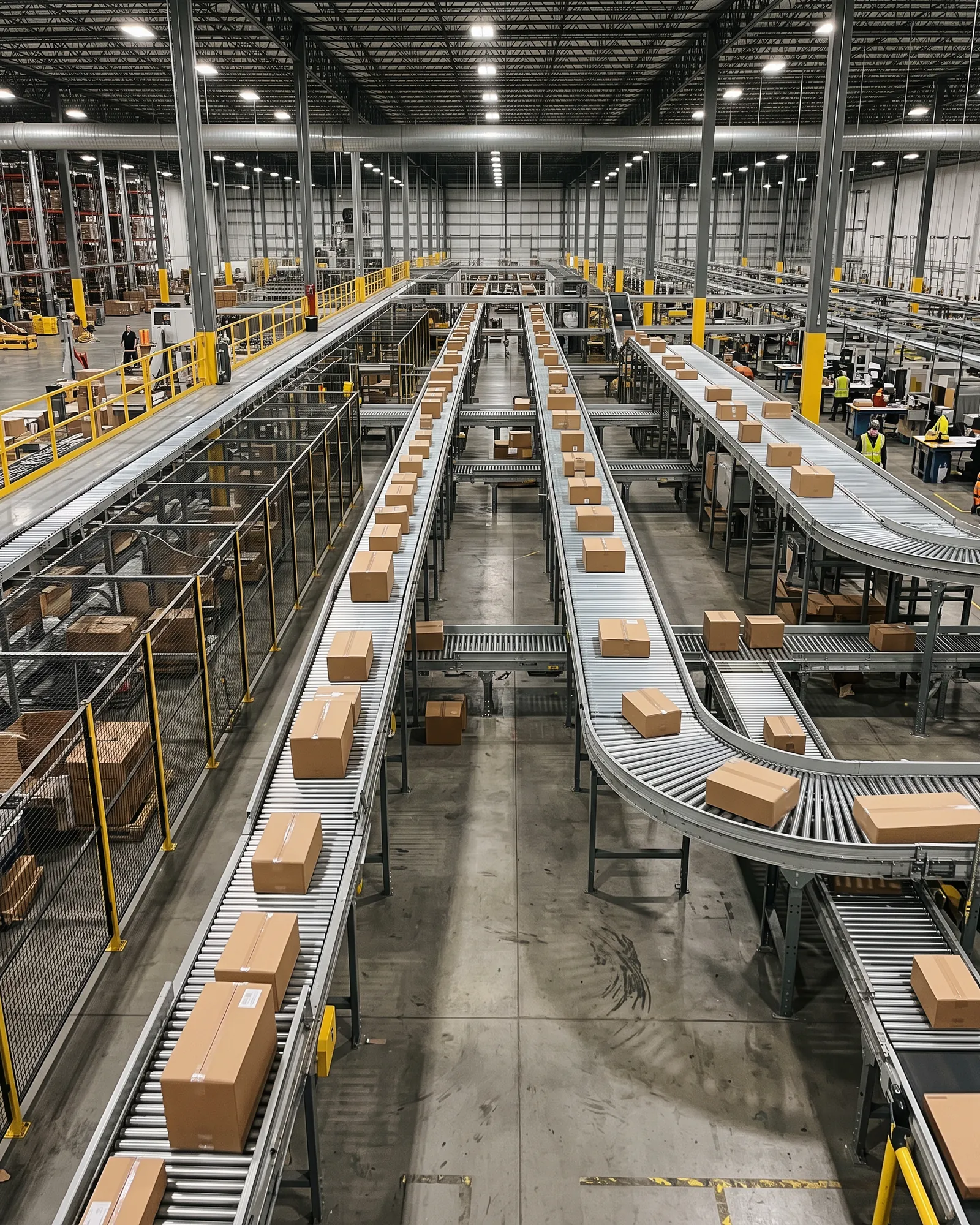
Four integration layers
Tracking and traceability only work when the surrounding technology stays connected, responsive and dependable.
Servers, storage, networks, edge computing and the platform foundation required to run the environment.
Devices, sensors, gateways and vehicle data connected to tracking and traceability workflows.
Cameras, lighting, optics and processing that verify presence, count, labels, packaging and condition.
APIs, business applications and operating workflows that receive events and support action.
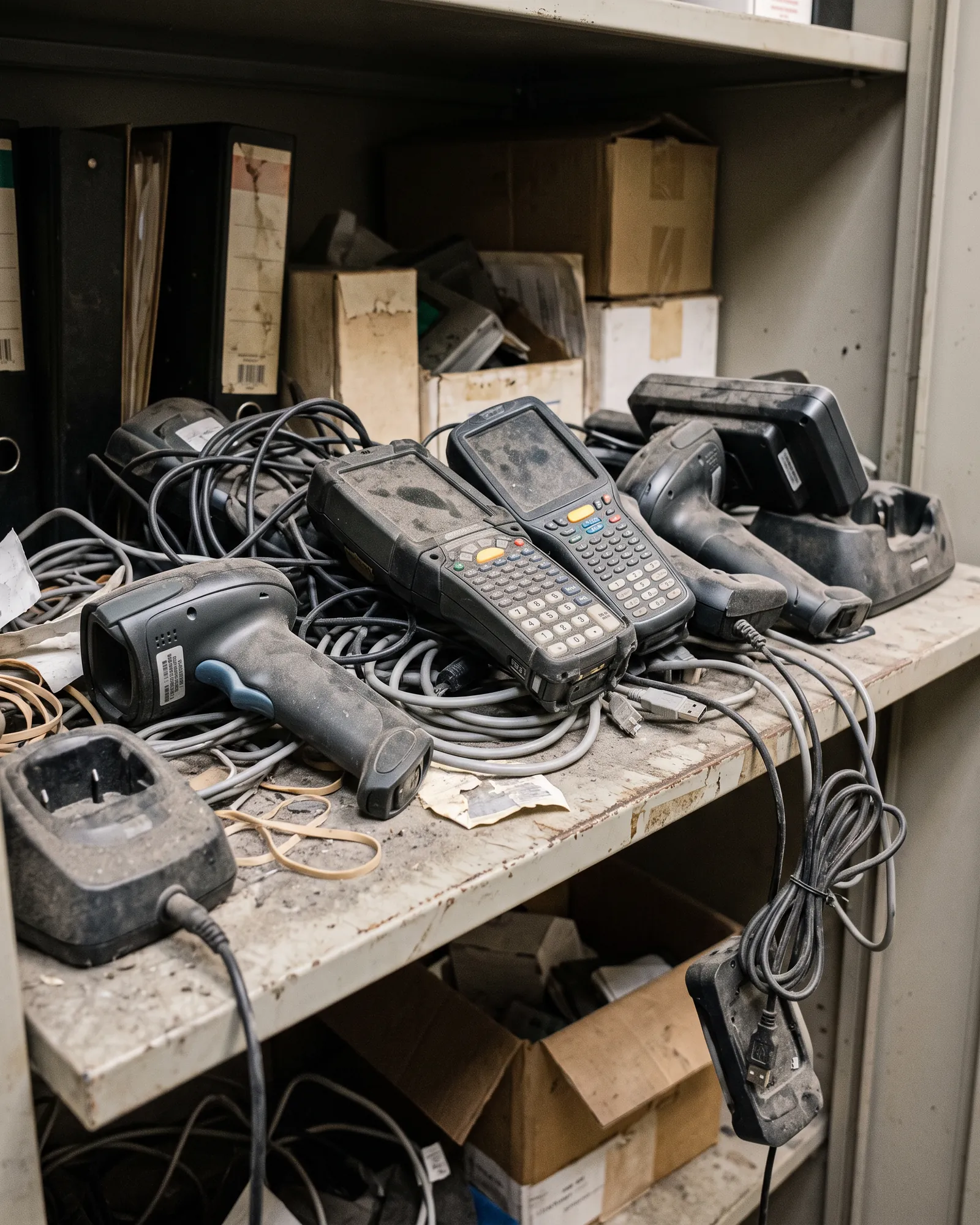
Vision within integration
Machine vision can confirm whether the right item is present, complete, correctly labelled and within specification. The result can become part of the traceability record.
Integration flow
The architecture must move information reliably through each layer without losing context.
Telematics units, readers, cameras, sensors and operator inputs capture the event.
Local processing and networks keep the information moving and the response timely.
Applications apply rules, preserve history and organise status around the operation.
Alerts, records and integrations place the outcome where action must happen.
Integration is successful when the technology disappears and the operation becomes clearer.
Integration
Each layer writes into the one above, so the people who decide work from what actually happened.
ERP, WMS and POS
Scenarios
Two situations where integration decides whether a project changes anything. The numbers are assumptions; replace them with your own.
Scenario 1
A retailer installs readers at store doors to check deliveries.
Reads appear on a separate dashboard. Store staff still accept deliveries in the POS by hand, so the stock record does not change. After a few weeks, nobody opens the dashboard.
Each verified delivery is written into the POS as the received quantity, with shortages flagged to the distribution centre. Staff keep working in the screens they know; the numbers in them are now right.
The same readers, the same reads. The difference is that replenishment now works on what actually arrived.
Scenario 2
A distributor verifies every carton before loading.
The verification records live in a separate system. When a customer calls, customer service cannot see them and asks the warehouse, which takes a day.
Each verified carton is linked to the order in the ERP. Customer service sees the record for every carton on the order screen and answers during the call.
If 10 disputes a week each take a day to answer, the customer waits 10 days a week in total. With the record on the order, each answer takes minutes.
In practice
Results are written into your existing ERP, WMS, POS or MES through their standard interfaces, so there is one record, not two to reconcile.
Thousands of reads a day are not information. The few that did not match are. Integration filters events into the exceptions and confirmations each team needs.
Integration is designed with the workflow, before devices are chosen, because it decides whether the project changes how people work.
Questions
IT infrastructure, telematics, machine vision and software, connected around the tracking or traceability outcome so the parts operate as one system.
ERP, WMS and other business applications, through APIs and operating workflows that receive events and support action.
Readers, cameras, telematics units, sensors and operator inputs capture the event; local processing and networks keep it moving; applications apply rules and keep history; alerts, records and integrations place the outcome where action must happen.
Connected operations
Share the devices, systems and operational event that need one connected architecture.